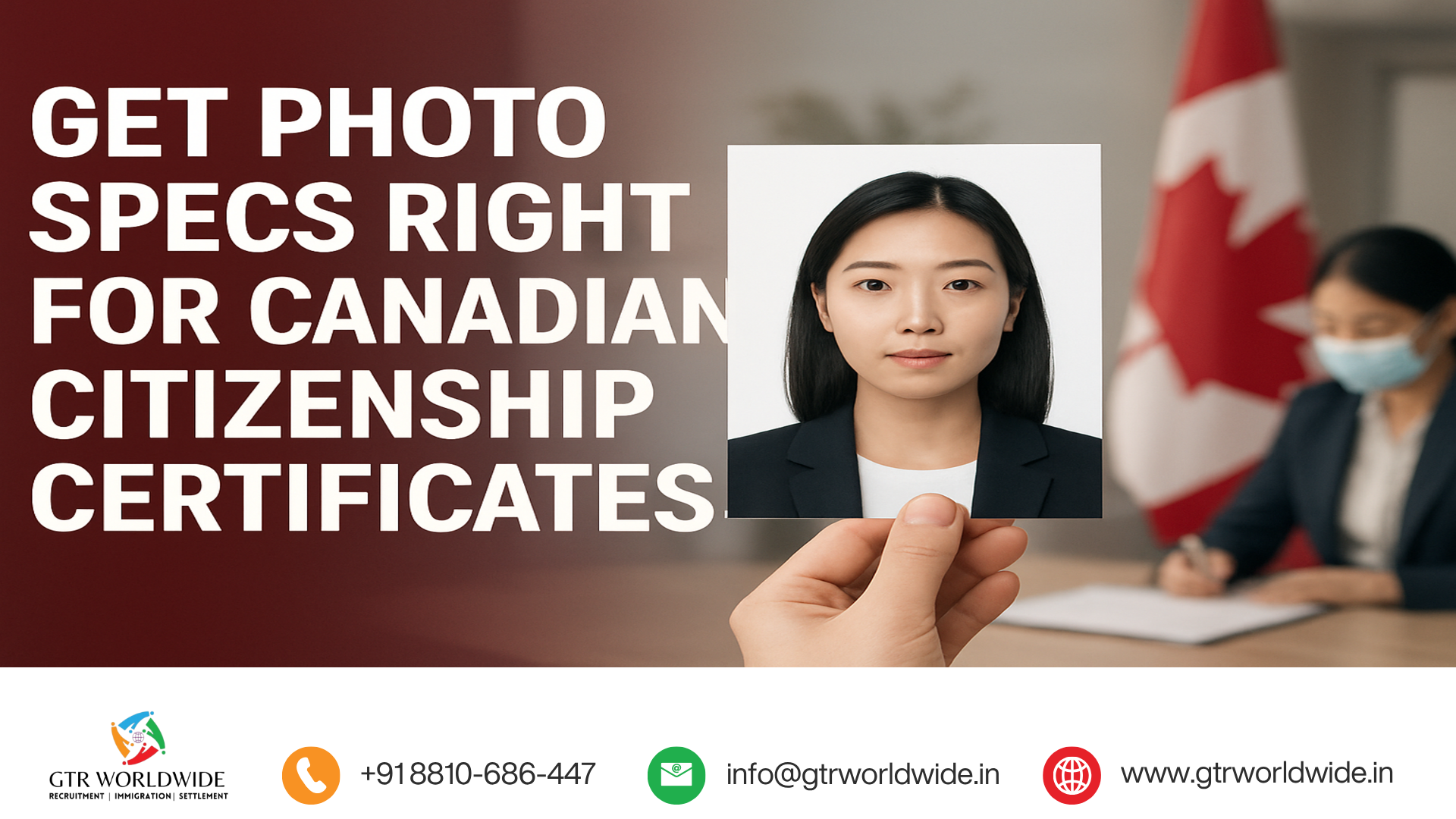
Canadian citizenship certificate photo requirements: avoid mistakes that delay your application
Submitting a proof of Canadian citizenship (PoC) application? IRCC has signalled it’s reviewing PoC applications more closely. Canadian immigration lawyer Ala Bujac (Cohen Immigration Law) warns that non‑compliant photos are a frequent reason applications are returned — causing weeks or months of delay. Before you book a photo, confirm whether you’re applying online or on paper, since some details differ.
Core photo specifications you must meet
– Exact dimensions: 50 mm wide × 70 mm high.
– Face size: chin to crown must measure 31–36 mm.
– Recency: photo taken within the last six months and reflecting your current appearance.
– Online vs paper: online applications need one colour digital photo; paper applications require two identical colour printed photos.
– Photographer details for paper: each print must have the photographer/studio name, address and date on the back, plus the applicant’s first and last name.
– Photographer details for digital: the same information should appear on the receipt or in a separate text file included with the application.
– Background and lighting: plain white or light-coloured background with no shadows on the face, ears or shoulders.
Glasses, head coverings and infant photos
– Glasses are allowed only if your eyes are clearly visible. Tinted lenses or sunglasses are not permitted, even if prescription.
– Head coverings worn daily for religious or medical reasons are accepted if the face is fully visible and there are no shadows from the covering. Head coverings not worn daily are not allowed.
– Children and infants have specific rules: show only head and shoulders, no parent’s or child’s hands visible. Newborns may be photographed in a car seat with a white blanket behind the head. Some flexibility in infants’ expressions is permitted.
What will get a photo rejected
– Selfies or self-taken photos.
– Photos cropped from larger images (family or vacation shots).
– Any alterations: adjustments to colour, brightness, sharpness, smoothing, changing hair colour, cropping/pasting onto a new background, or removal of glare/red-eye.
– AI‑generated or AI‑enhanced images (including background generation or touch-ups).
How to avoid returns and delays
– Use a commercial photography studio familiar with government ID photos. If unsure, give the photographer IRCC’s photo specifications.
– For paper submissions, confirm each printed photo has the photographer/studio name, address, date, and the applicant’s full name on the back.
– For digital submissions, keep and include a receipt or text file with the photographer’s name, address, date and the applicant’s name.
– Measure or verify photo and face dimensions (31–36 mm chin-to-crown) before submitting.
– Do not edit the photo or use AI tools.
– Double-check the image and accompanying documentation before you submit — a few minutes can prevent weeks of delay.
When to get professional immigration advice
A correct photo is only one part of a complete PoC application. If you have unusual documents, name changes, complex birth records, or are unsure whether to apply online or on paper, consider getting personalized guidance from a licensed immigration professional. This post is for general information and not legal advice.
Final checklist before you submit
– Photo 50 mm × 70 mm and face 31–36 mm chin-to-crown?
– Taken within the last six months?
– One colour digital photo for online, or two identical printed colour photos for paper?
– Photographer/studio name, address, date, and applicant’s name included as required?
– Plain white or light background, no shadows?
– No tinted glasses or non-daily head coverings, and face fully visible?
– No edits, enhancements, or AI processing?
For personalized support with your Canadian immigration pathway, contact GTR Immigration. Call us: +91-8810-686-447
#IRCC #CanadianCitizenship #ProofOfCitizenship #ImmigrationAdvice #PassportPhoto #CitizenshipApplication #PhotoRequirements
Leave a Reply